 Azərbaycan
  Bahasa Indonesia
  Čeština
  Deutsch
  English
  Español
  Français
  Italiano
  Magyar
  Polski
  Português
  Română
  Türkçe
  Русский
  한국어
한국어  简体中文
简体中文  日本語
日本語 Map Mods: Phase 3
Updated - September 2021 By Marcos Elias
Introduction
Phase 3 of the map mod system introduces Vehicle Traffic, Trains, Functional Traffic Lights, and GPS!
IMPORTANT: To use these features, change to
mapModVersion=3in the[map]section of your.map.txtfile.
Configuring Entry Points (Phase 3 Update)
In phase 3, entrypoints.txt gains new parameters.
You can specify if it is a Road or Urban route by creating empty files in the dest folder:
intercity.txt: Road Route (passengers only disembark at the end).outofservice.txt: Garage/Reserved (no one boards).
Vehicle Traffic (aivehicles)
The configuration is similar to that of pedestrians. Create paths in 3D (e.g., avBrasil1.000, avBrasil1.001...).
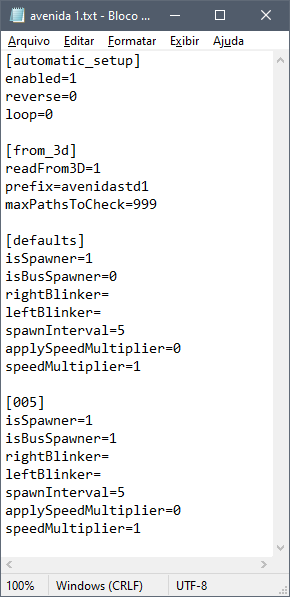
Configuration file (.txt)
In the aivehicles folder (inside modelsDir):
[automatic_setup]
enabled=1
loop=0
reverse=0

[defaults]
isSpawner=1
spawnInterval=5
allowBicycle=0
leftBlinker=0
rightBlinker=0spawnInterval: Interval for new cars to appear (increase to reduce density).maxSpeed: Maximum speed in km/h.isBusSpawner=1: If you want buses to appear on this path.
Trains (aitrains)
Trains follow defined rails in the same way as traffic. Folder: aitrains.
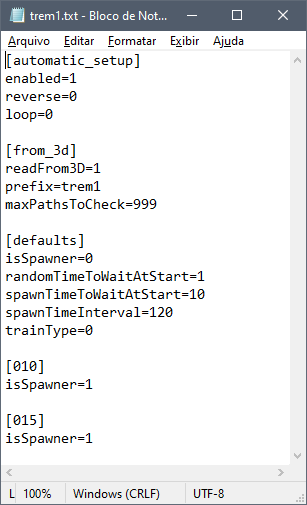
Exclusive train parameters:
randomTimeToWaitAtStart=1: The first train appears at a random time.spawnTimeInterval=120: Interval in seconds between trains (e.g., 2 minutes).trainType=0: Train type (default 0).
IMPORTANT: Trains do not collide with obstacles, so ensure the path is clear! Use high
spawnTimeIntervalso trains don't end up one behind the other.
Traffic Lights
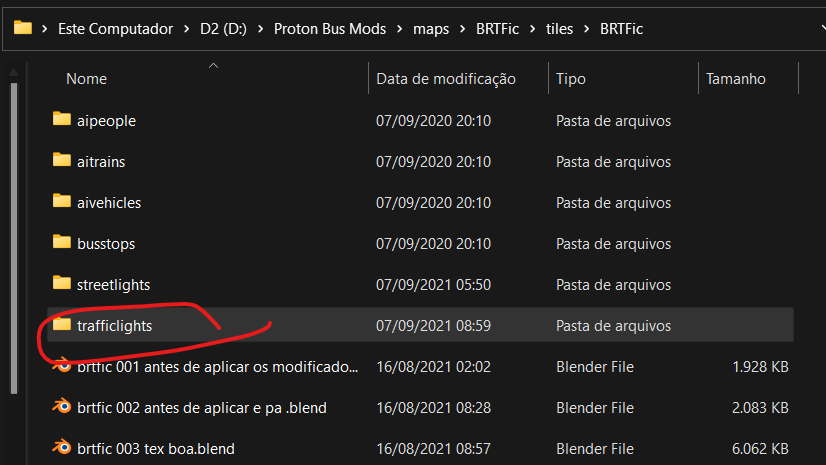
Traffic lights control the flow of vehicles. The files are in the trafficlights folder.
Working by "Ticks"
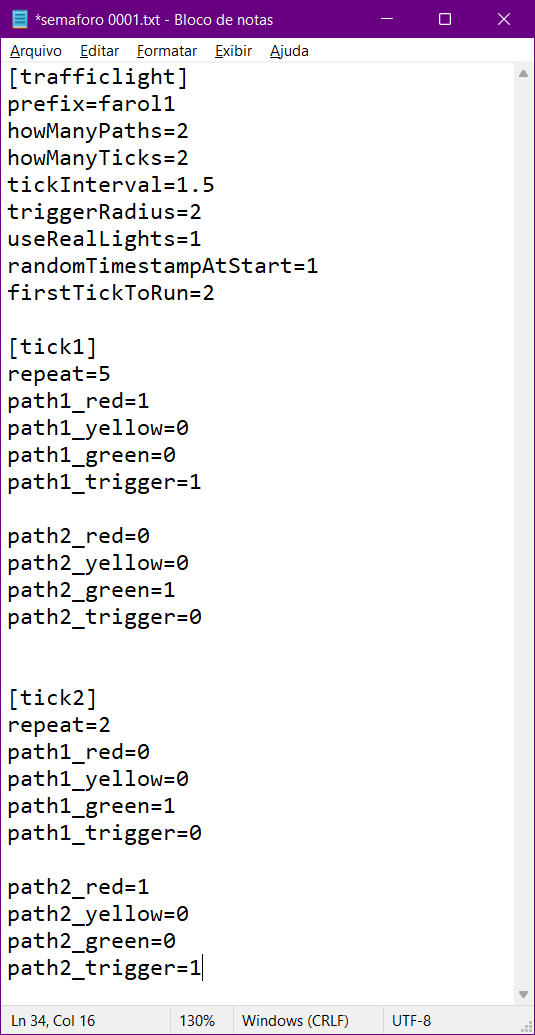
The traffic light works by states or "ticks". Example:
- Tick 1: Lane 1 Green, Lane 2 Red.
- Tick 2: Lane 1 Yellow, Lane 2 Red.
- Tick 3: Lane 1 Red, Lane 2 Green.
Configuration in txt:
[trafficlight]
prefix=semaforo001
howManyPaths=2
howManyTicks=4
tickInterval=1
triggerRadius=1.5
useRealLights=1

[tick1]
repeat=10
path1_red=0
path1_green=1
path2_red=1
path2_green=0
path1_trigger=0
path2_trigger=1pathX_red/green/yellow: Defines if the light is on (1) or off (0).pathX_trigger: Defines if the invisible block on the track is active (1) or not (0).
3D Configuration
Use planes with texture (Additive shader) for the lights. Suggested names:
_farol1_path1_green_additive__farol1_path1_red_additive_
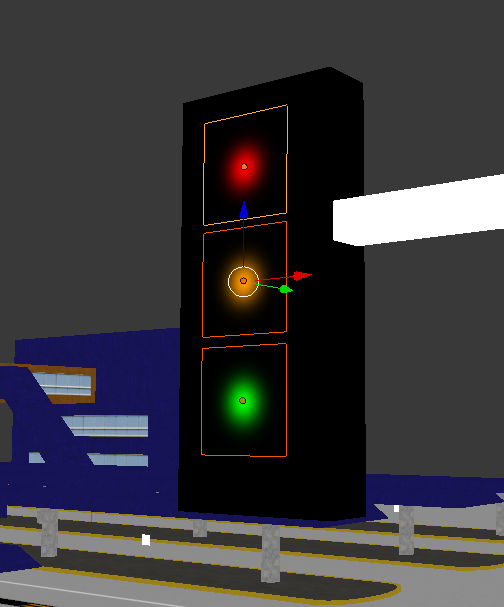
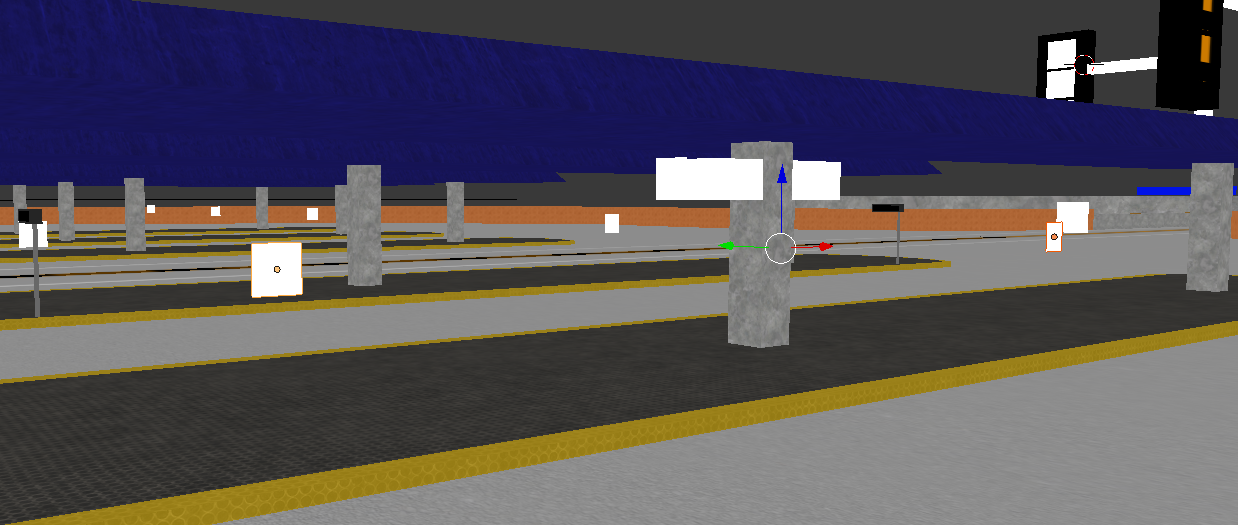
Use invisible triggers to stop cars:
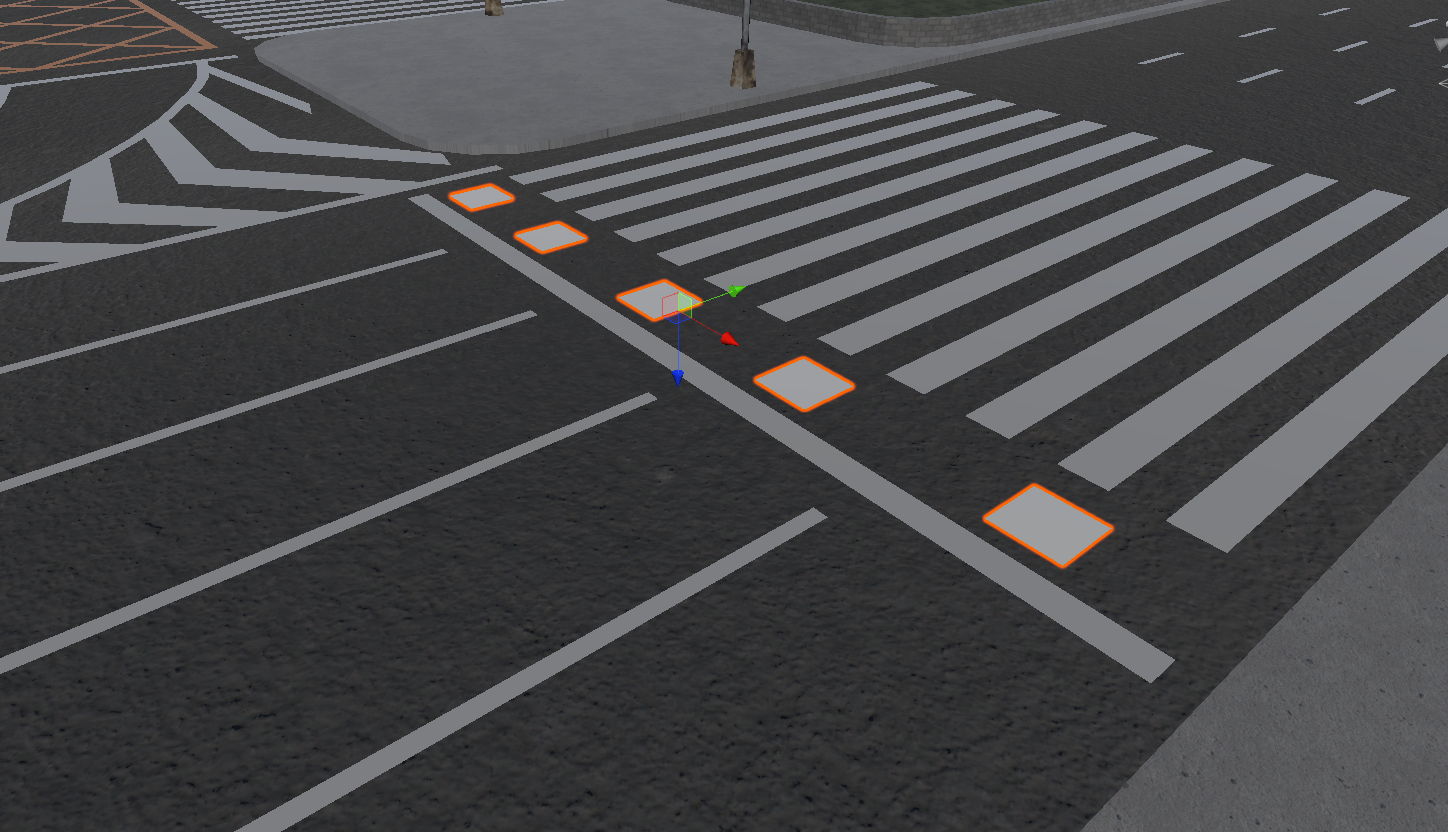
_farol1_path1_trigger_
The trigger must be where cars should stop:
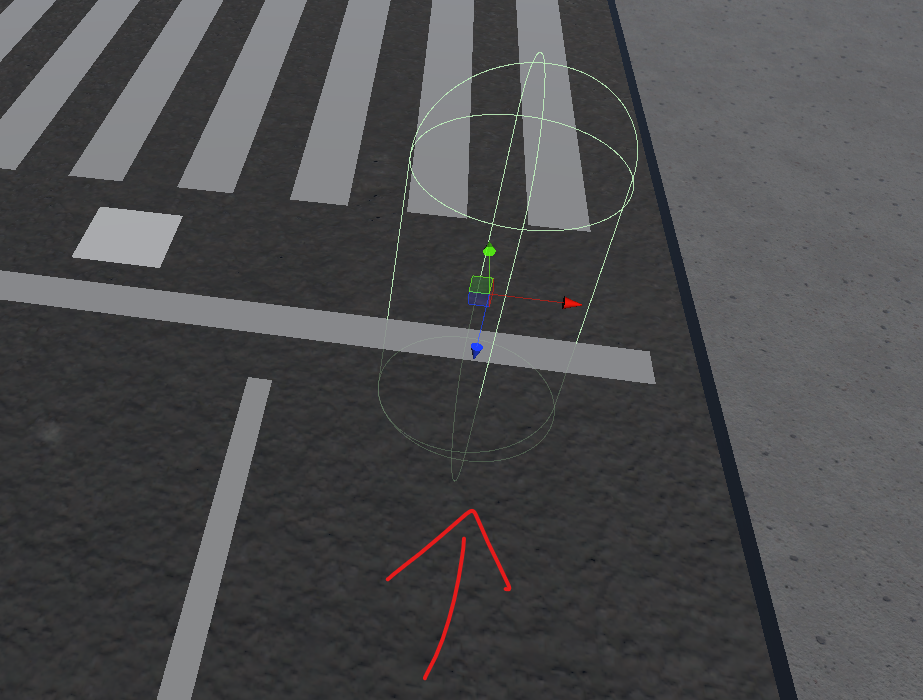
Trigger shape in the engine (capsule):
Lights and Environments
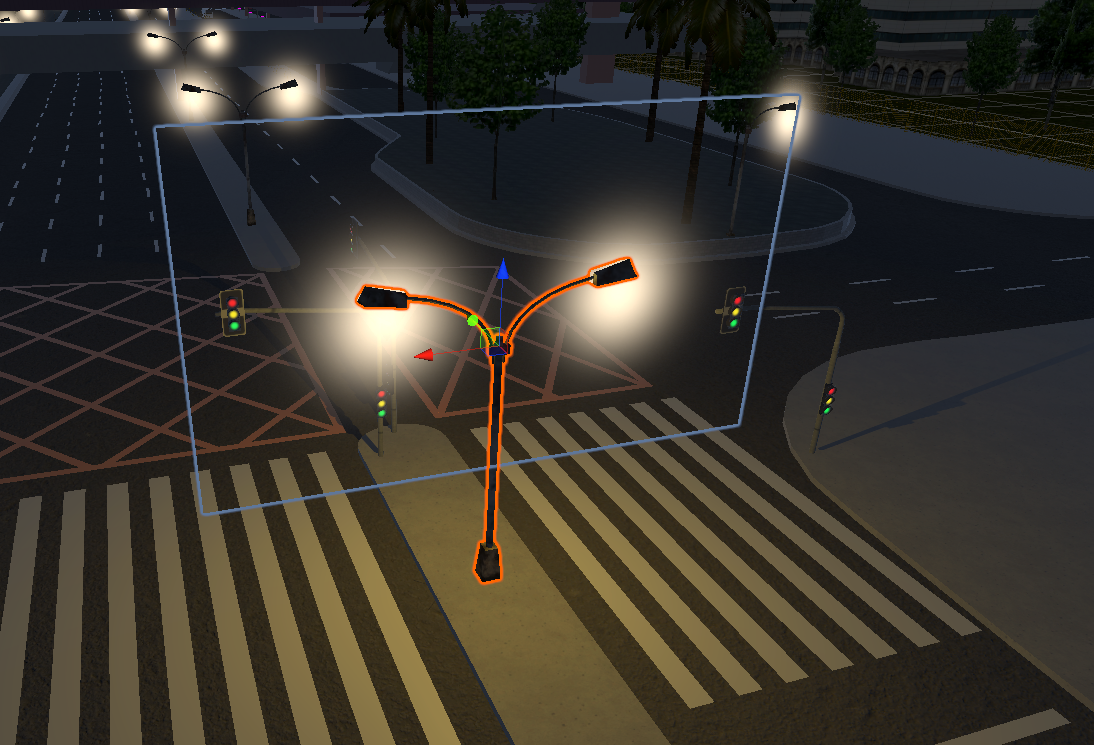
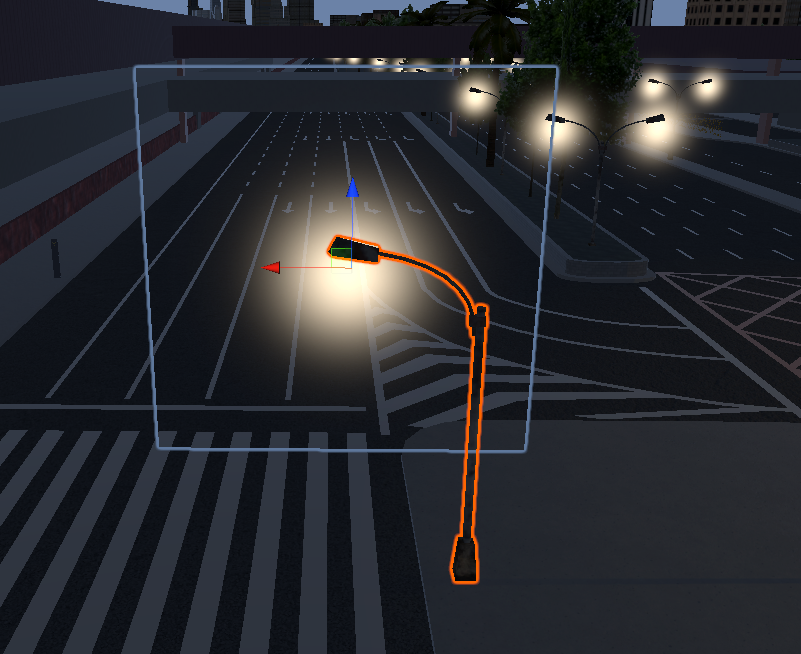
You can add real lights (Spot/Point) and fakes (glowing texture). Folder: streetlights.
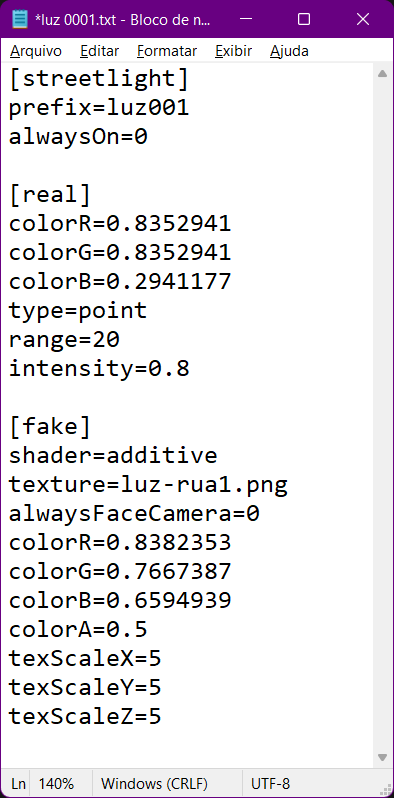
Configuration in txt:
[streetlight]
prefix=luz001
alwaysOn=0 (0=only night, 1=always)

[real]
colorR=1
colorG=0.9
colorB=0.8
range=20
intensity=1

[fake]
texture=glow.png
shader=additive
alwaysFaceCamera=1
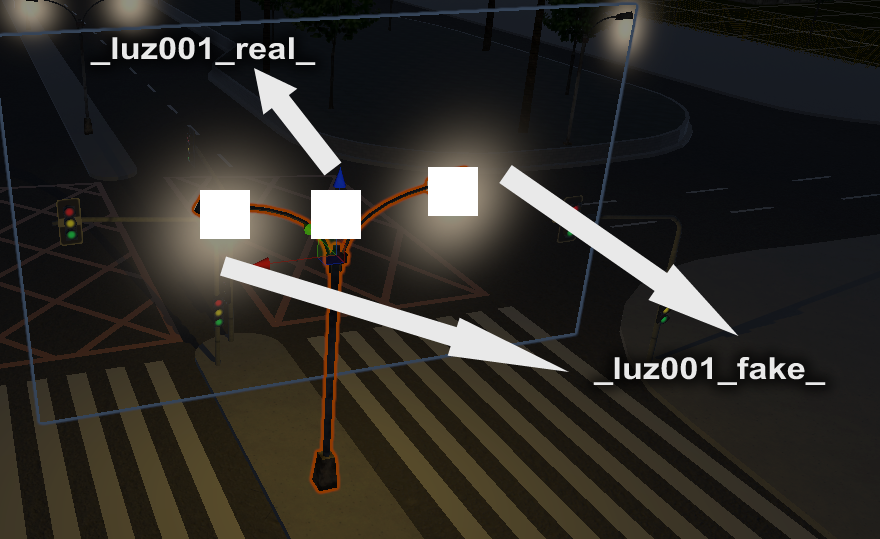
In 3D:
_luz001_real_: Object for real light (point light). Place a little below the bulb._luz001_fake_: Plane object with glowing texture (halo) on the bulb.
Application examples:
GPS
For the GPS to work, create a mesh floating over the route (road) with the name:
_gps_ENTRYPOINT_NAME_
Example: _gps_309T-10 TP_.
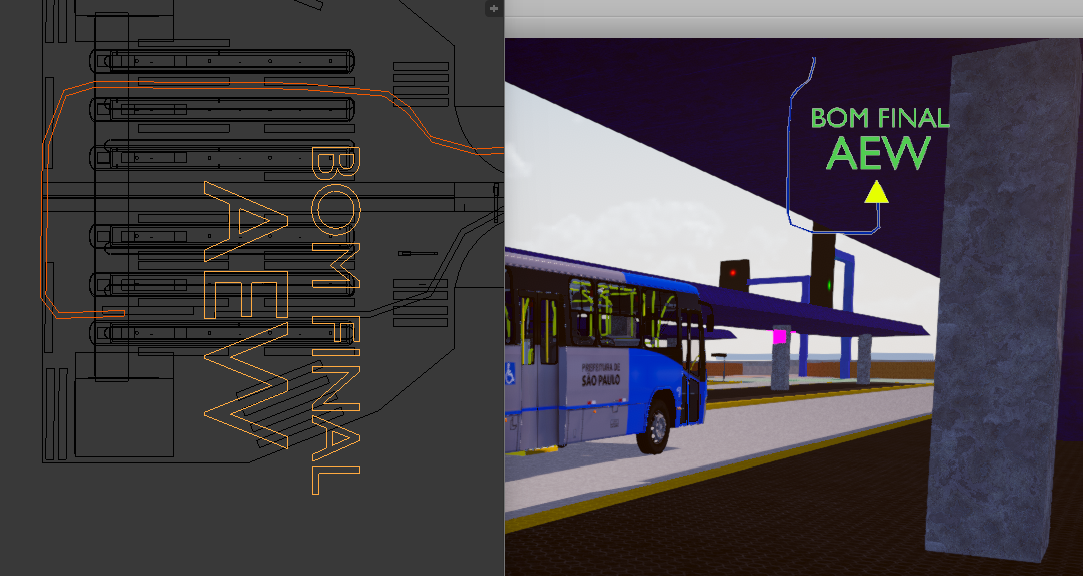
TIP: If the GPS is very long, divide it into smaller parts to optimize.
Optimization and Special Commands
Random Objects (_rand_)
Use _rand_XX_ in the object name to define the chance of appearing (in %).
Example: _rand_50_ (50% chance).
Allowed numbers: 1, 3, 5, 10, 20, 30, 40, 50, 60, 70, 80, 90, 95, 99.
Special Zones
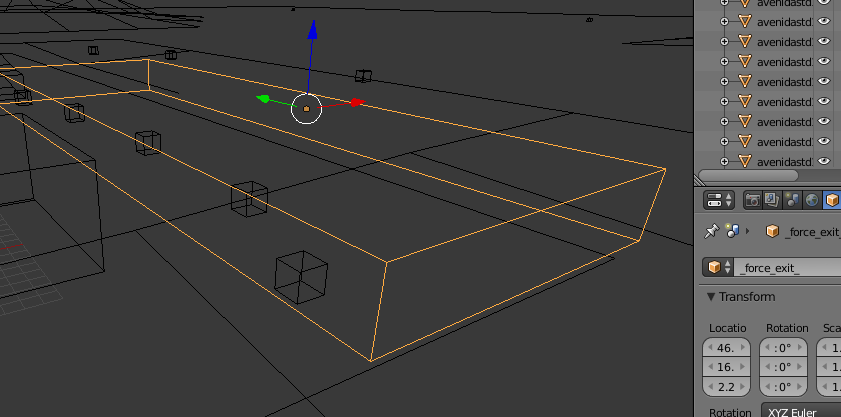
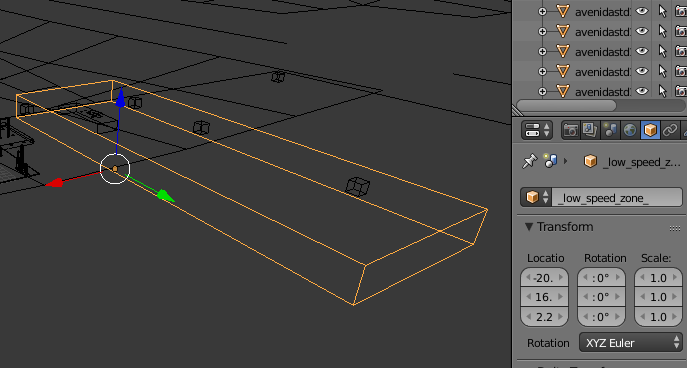
_low_speed_zone_: Invisible cube in terminals. Prevents passengers from complaining about low speed._force_exit_: Invisible cube near the final stop. Forces everyone to disembark.
Extra Details (_det1)
Objects named with suffix _det1.3ds (e.g., arvores_det1.3ds) are only loaded if the "Extra Details" option is enabled in the game. Use for heavy decoration.
Shimmering Textures (Z-Fighting)
To prevent floor textures from blinking, create a .config.txt file for the texture (e.g., asfalt.png.config.txt).
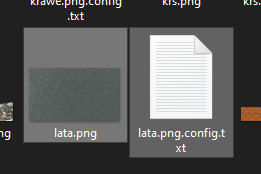
This fixes "glitter" on large terrain textures. Use only if necessary!
End of Phase 3!