 Azərbaycan
  Bahasa Indonesia
  Čeština
  Deutsch
  English
  Español
  Français
  Italiano
  Magyar
  Polski
  Português
  Română
  Türkçe
  Русский
  한국어
한국어  简体中文
简体中文  日本語
日本語 Map Mods: Phase 4
Updated - January 2023
Update for Version 4
To activate Phase 4 features, define in your .map.txt:
[map]
mapModVersion=4
useStandardShader=1useStandardShader=1: Activates improved graphics with standard shaders (basic PBR).url=...: Adds clickable link on the selection screen.
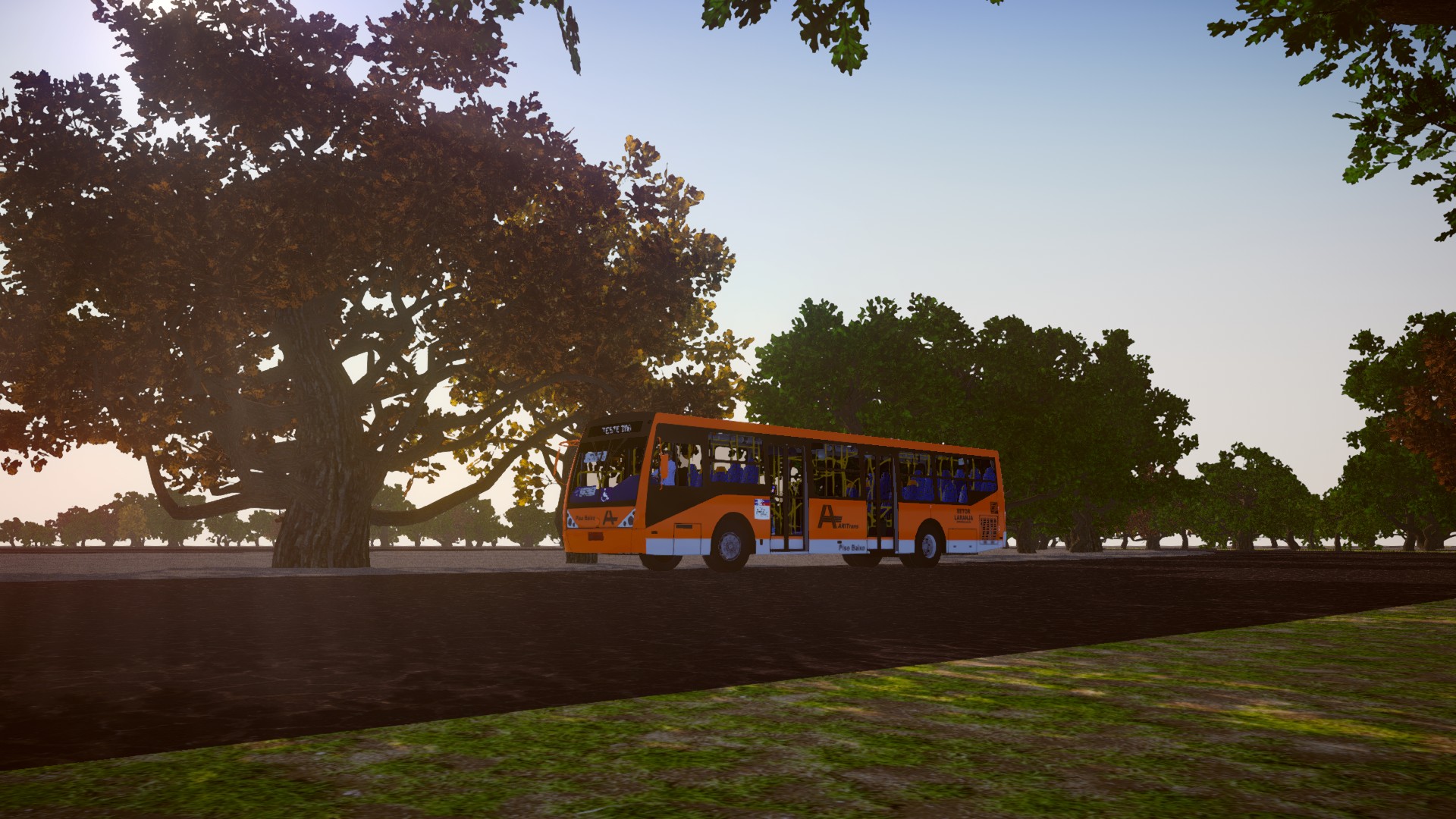
Automatic Native Trees
Use empty objects (Empty or Triangles) in Blender with the name _utree123_ (where 123 is the native tree ID).
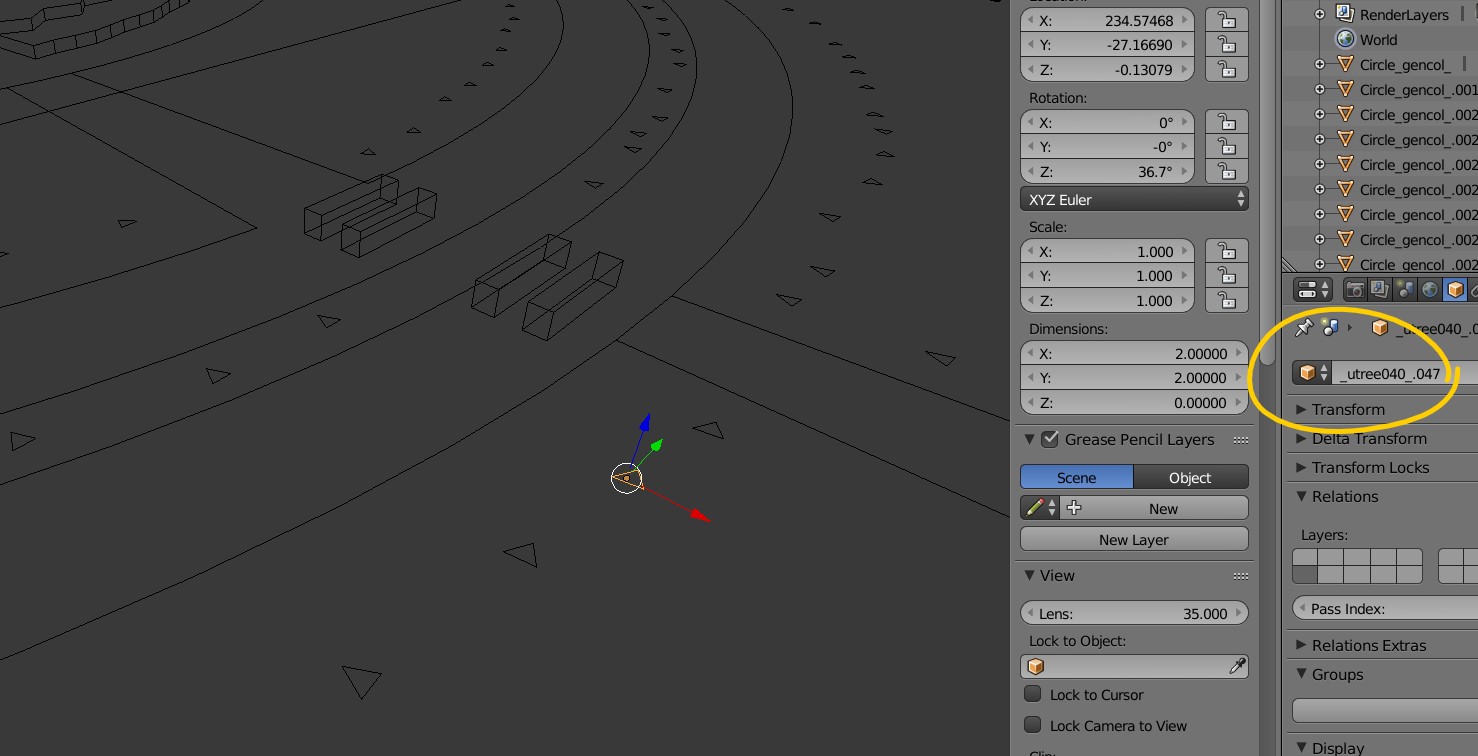
- Lighter than duplicated 3D models (Instancing).
- Automatic random rotation.
Examples of tree IDs:
_utree0_to_utree9_: Generic trees._utree10_: Palm trees.- Consult the complete list in the official documentation or forum.
Native Materials (PBR)
You can replace textures with native game PBR materials (Asphalt, Sidewalk) without needing to configure complex shaders in Blender.
Create a .config.txt file next to the texture. Example: street.png.config.txt.
[config]
replaceMaterial=1
material=asphalt/asphalt011
keepTexture=1keepTexture=1: Keeps your color/drawing, but applies the shine/normal map of the native material.material: Path of the native material.
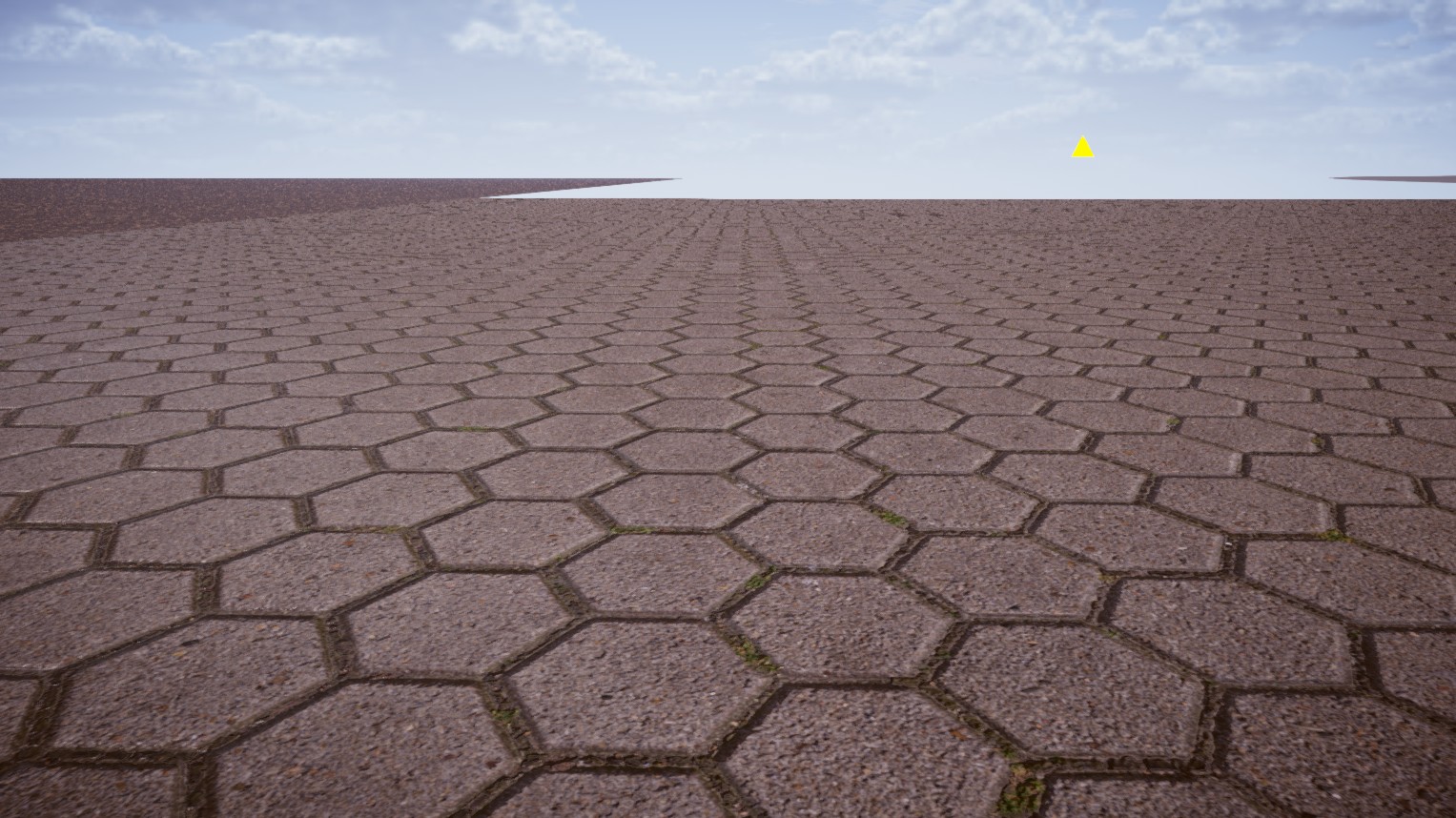
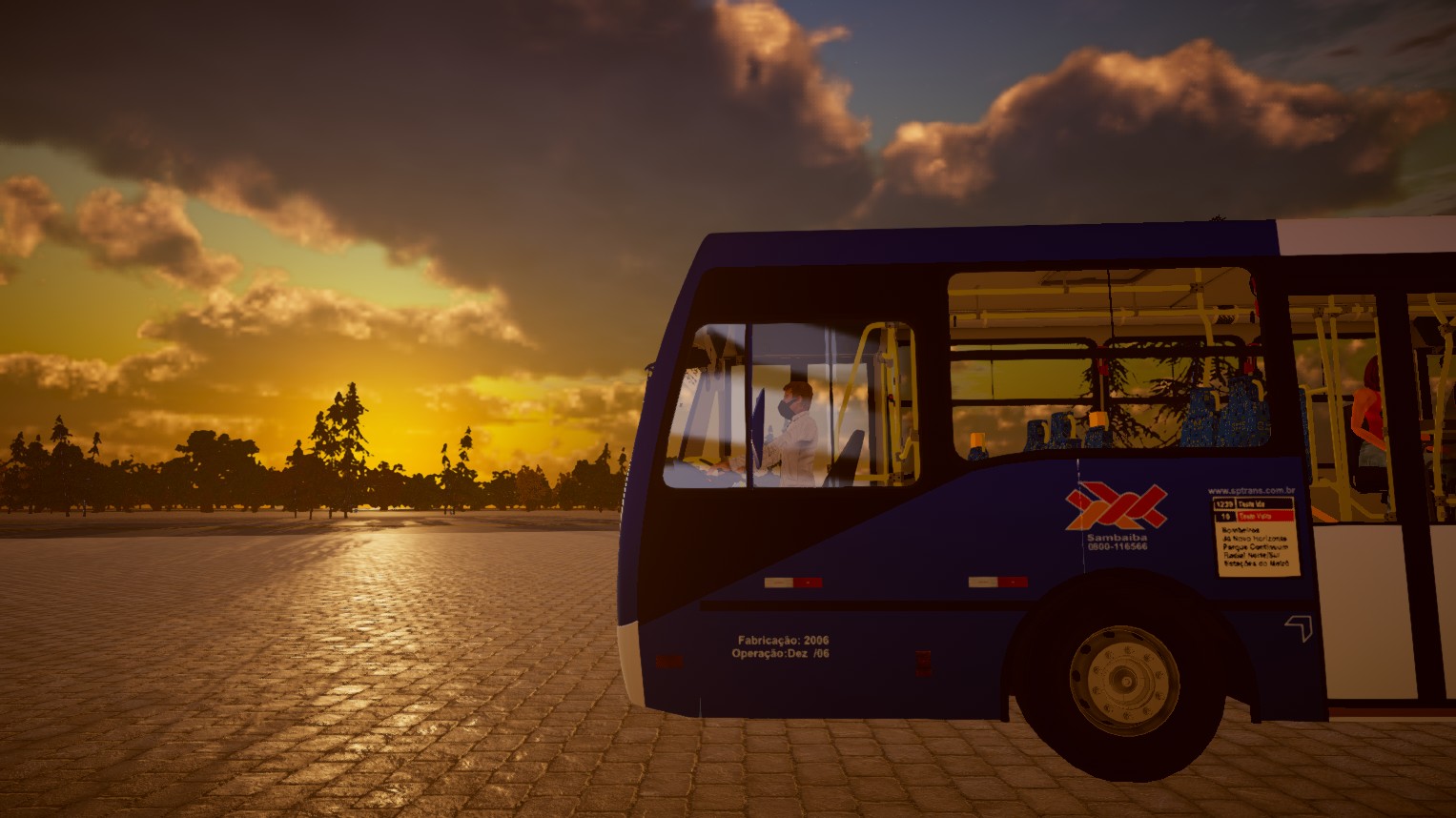
Examples of asphalt with native material:
Weather Effects
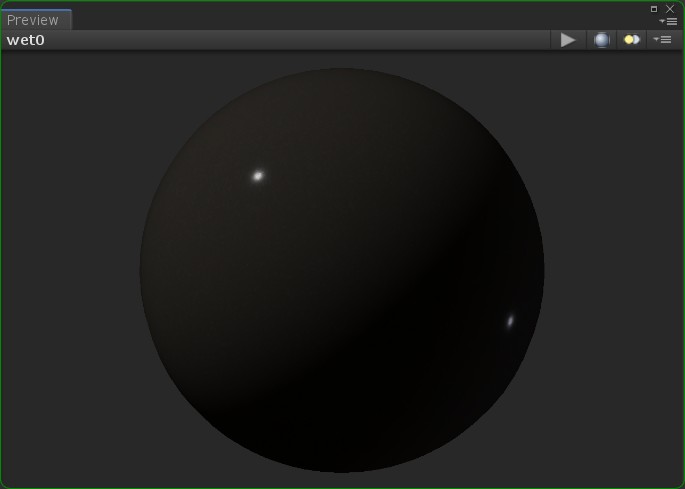
Wet Surface
Use _wetsurface_ in the 3D object name for it to get wet in the rain.
This gives a realistic reflection effect.
Snow
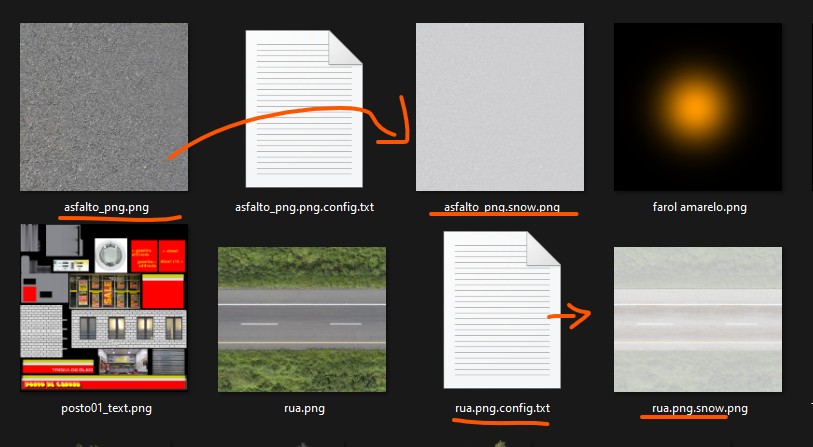
Create a texture ending with snow.png (e.g., asphalt.png -> asphalt_snow.png). The game will automatically switch when it snows.
This allows creating winter scenarios without needing to edit the 3D.
Water (Lakes/Sea)
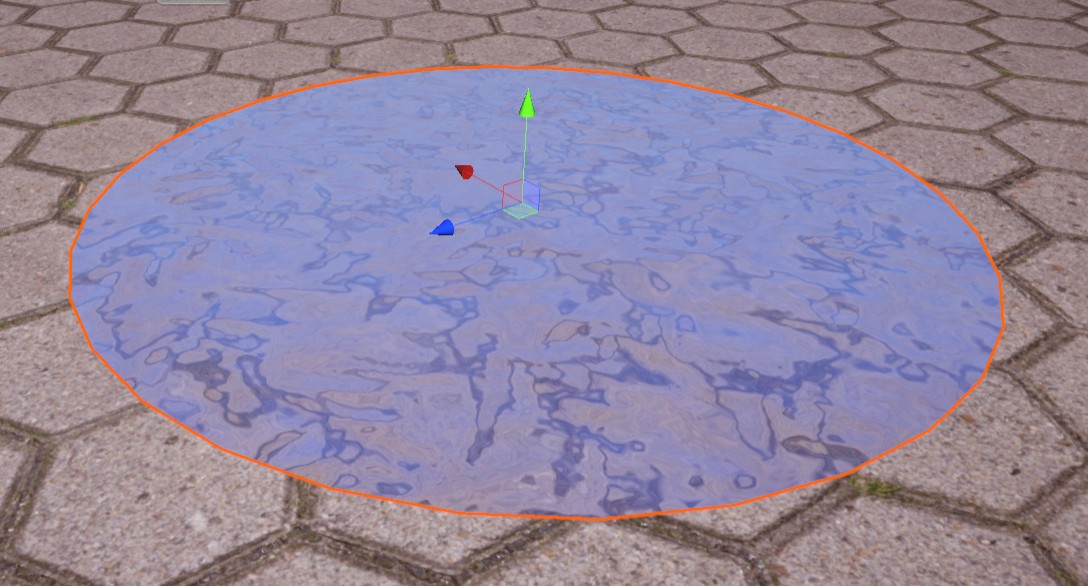
Use a plane named _water1_.
Wave scale: Add _scale10_, _scale50_, _scale100_ to the name to adjust the size of the waves.
Prefabs (Reusable Objects)
The Prefabs system allows instancing complex objects (like poles, benches, buildings) without duplicating geometric memory. The model is loaded once and replicated.
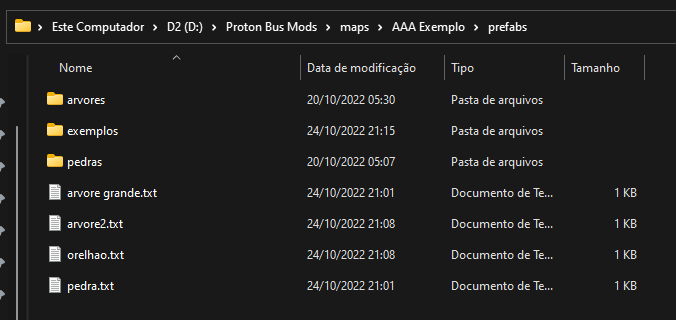
Folder: prefabs in the mod root.
Structure:
Definition file (name.txt):
[config]
useCulling=1

[prefab]
model1=objects/pole.3ds
To use on the map, place an Empty/Cube with the prefab txt file name as prefix.
Ex: If the file is mypole.txt, use mypole as the object name in Blender.
Procedural Vegetation (Random Spawner)
Automatically fills areas with grass or trees.
Create a vegetation folder inside tiles.
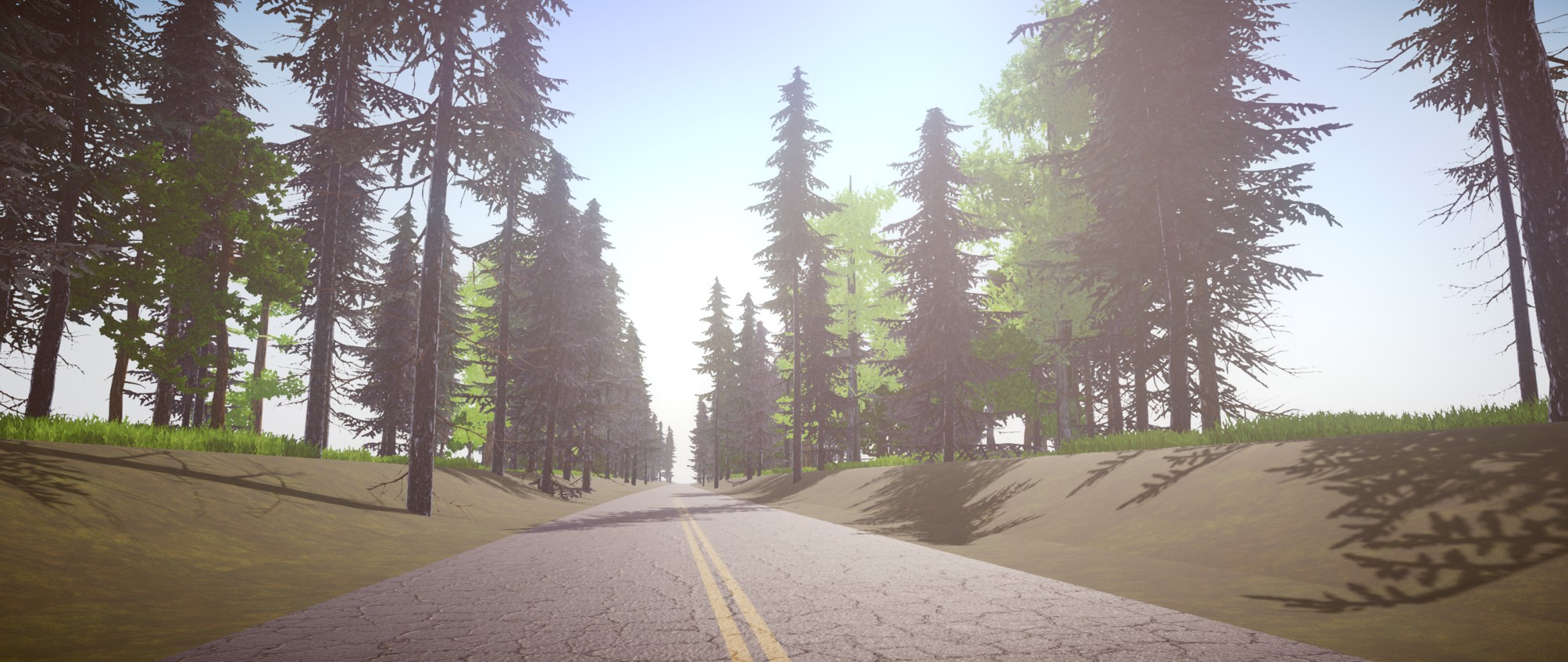
Configuration file defines density, spacing, and which objects to use (native trees or prefabs).
[random_vegetation]
keyword=onlygrass
spacing=10
useRandomSpacing=1
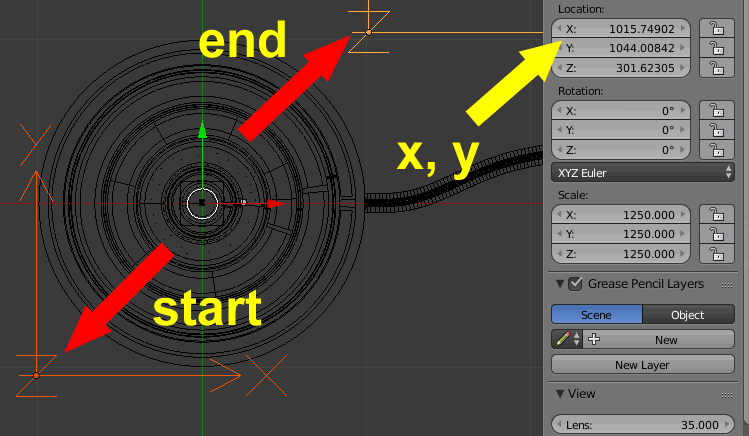
radius=50keyword: Name of the object in Blender that defines the area (bounds).spacing: Average distance between objects.
The game will scan (Raycast) the area defined by bounds (invisible cube) to plant vegetation on the ground.
Custom Traffic
It is possible to change traffic buses by placing new models in the aibuses_v1 folder.
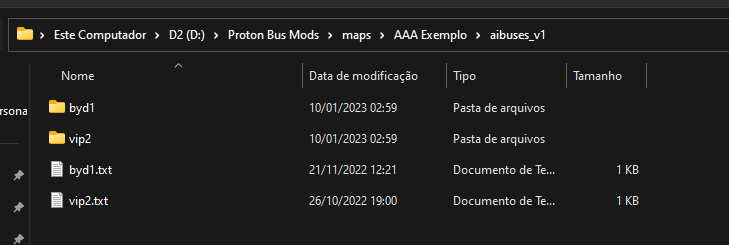
You can place subfolders for different companies or bus types.
Use simplified .bus files for traffic.
Caution: Do not overdo the number of models to avoid running out of memory on mobile phones! Each new bus model consumes a lot of RAM.
End of Phase 4!